Dieselwin logo
Home home 007 dieselwin 1568x1003

DieselWin App: Setting It Up the Right Way

Updated: 10 November 2026

DieselWin app at a glance

Setting up the dieselwin app on your phone depends entirely on which handset is in your pocket. Apple users get a dedicated iOS download with an install reward, while Android players run the mobile site directly from their home screen without needing an APK file. Both routes put thousands of games and the full Betby sportsbook right under your thumb.

FeatureiPhoneAndroid
Install methodDedicated iOS app downloadMobile site added to home screen
Install bonus20 free spins (x40 wagering)No separate install bonus
Storage spaceA normal app download, size shown on the App Store pageAlmost none, it is a shortcut
UpdatesVia iOS app updatesAutomatic on every page load
Bottom menuCasino, Promotions, Join Now, Search, SportsCasino, Promotions, Join Now, Search, Sports
Mobile walletsApple Pay (£20 to £800)Google Pay (£20 to £800)
Biometric helpiPhone keychain and Apple Pay Face IDAndroid password autofill and fingerprint

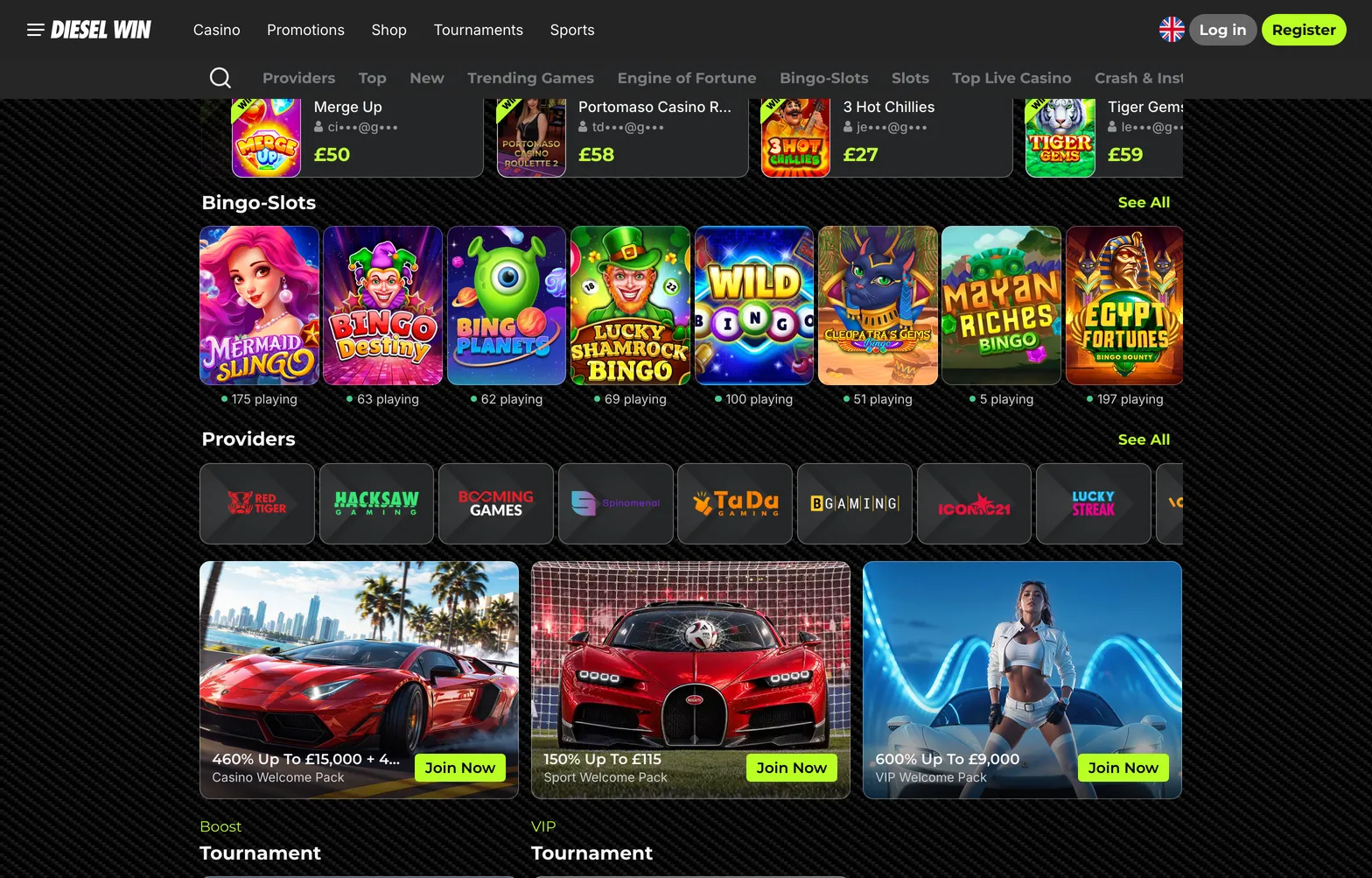
The dieselwin mobile app layout keeps everything within thumb reach for quick portrait sessions on the train or sofa. Along the bottom of the screen sit five fixed tabs: Casino, Promotions, Join Now, Search, and Sports. You never have to dig through hidden side menus to check your balance or switch from Hold&Win slots to live football markets.

Because Android uses a browser shortcut rather than a heavy download, you save phone storage and never have to pause for manual updates. iPhone owners get the extra perk of the Install & Get Bonus promotion, which usually drops 20 free spins at £0.10 a spin on popular titles like Buffalo Claws Expanded or Sun of Egypt 3, carrying a x40 wagering target on whatever you win. Whichever phone you use, the cashier, live chat button, and game lobbies work identically.

Home home 010 dieselwin 1568x1003

iPhone users get DieselWin’s own iOS app and the install bonus. Android users pin the mobile site to the home screen and get the same lobby, cashier and sportsbook.

DieselWin app screen path

Getting from a blank phone screen to your first funded session takes five steps. Follow this path to install the software or shortcut, set your welcome offer, and load your balance.

  1. Screen 1 → Open the DieselWin site in Safari on iPhone or Chrome on Android. On iPhone, tap the Install & Get Bonus banner at the top of the screen to start your iOS download. On Android, tap the three dots in the top right corner of Chrome and select Add to Home screen, as there is no APK file to download. If the install prompt does not appear immediately on Android, refresh the page once and wait for the lobby icons to finish loading.
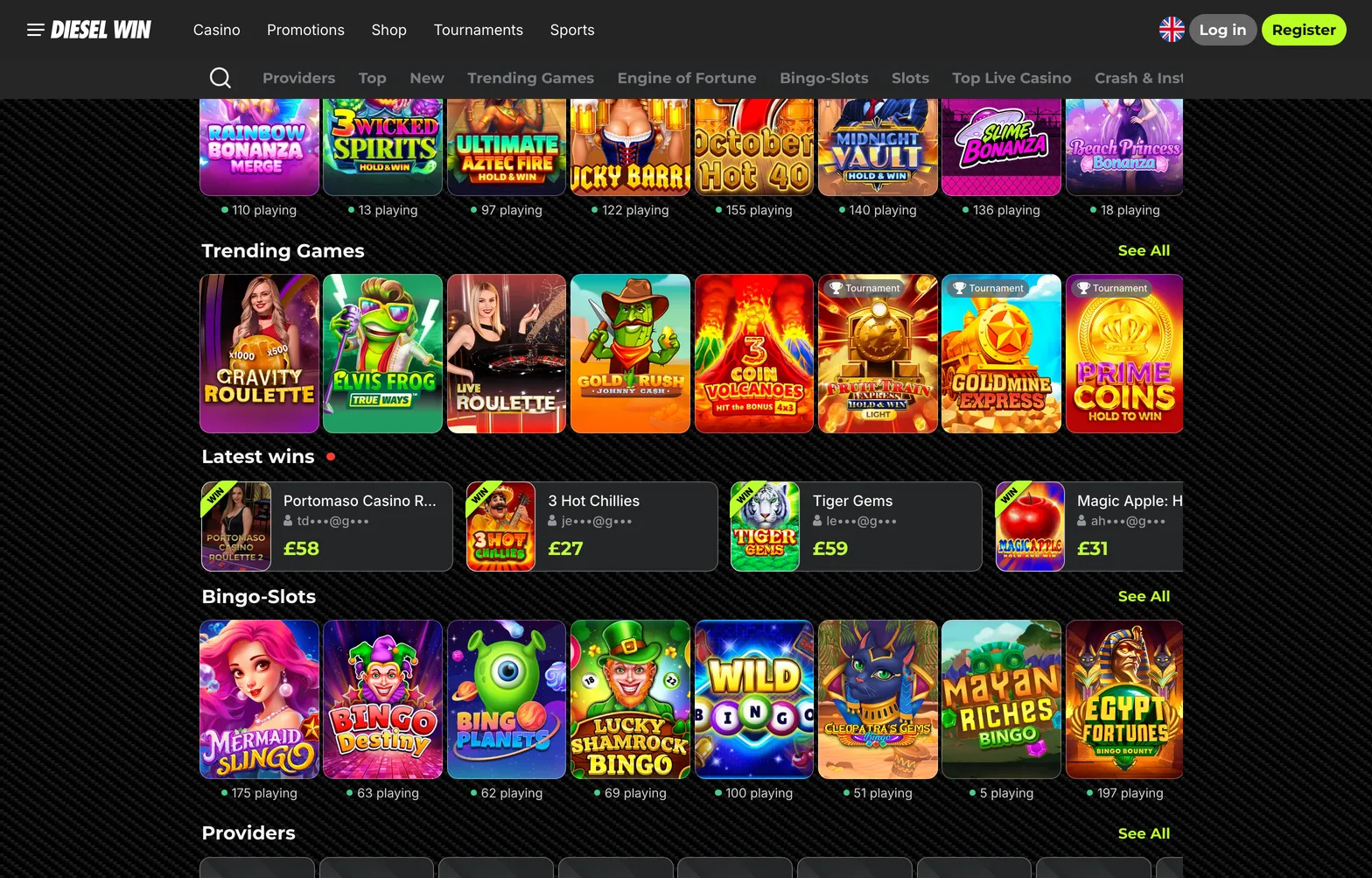
  2. Screen 2 → Tap the new DieselWin icon on your phone home screen to launch the lobby in full-screen portrait view. You see the top banner, game categories like Top, Trending Games, and Crash & Instant, plus the five-button bottom bar. Tap Join Now in the centre of the bottom menu to open the single registration form. If you already have an account, tap the login button in the top header instead.
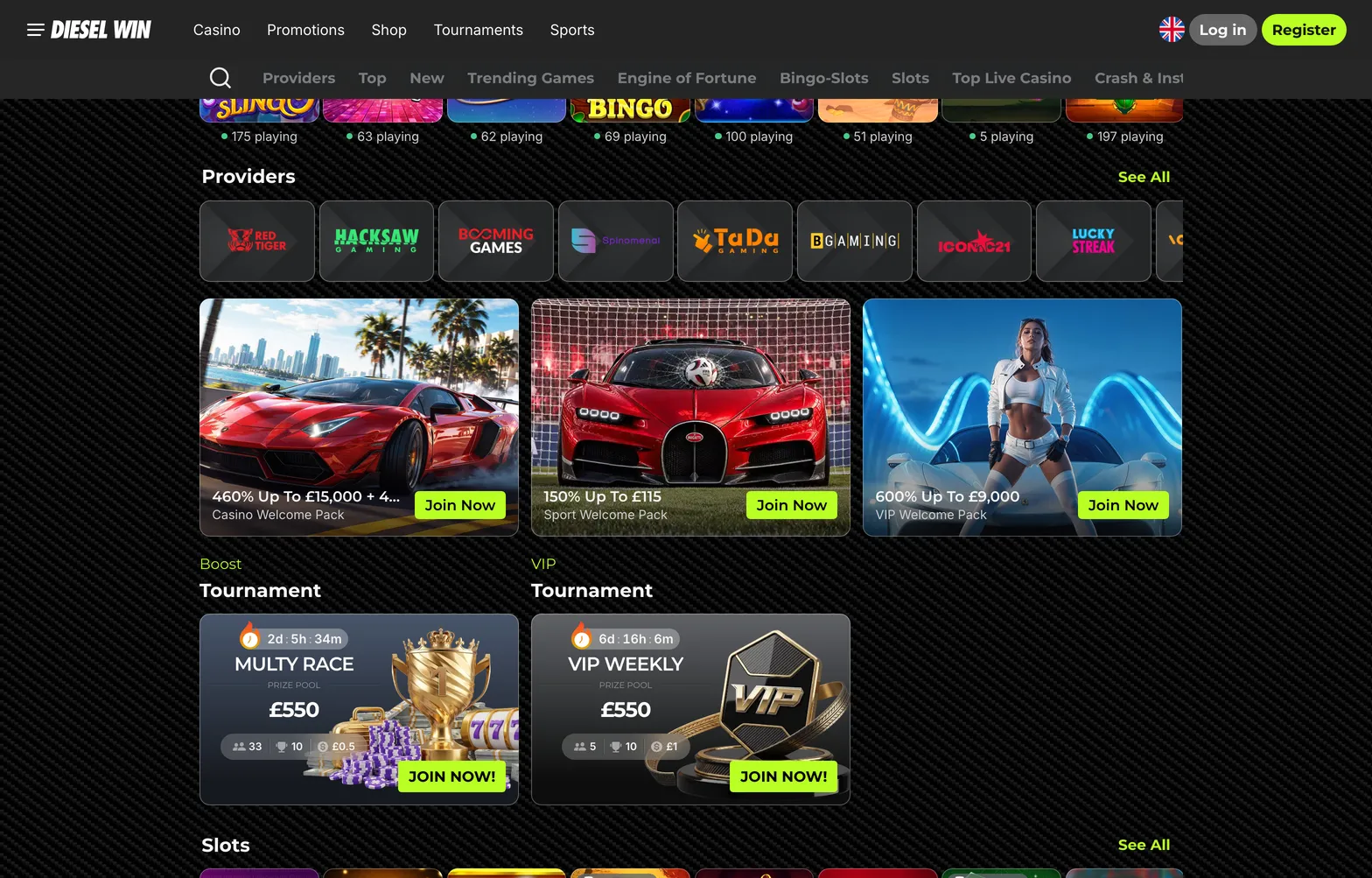
  3. Screen 3 → Look at the single sign-up screen showing fields for your email and password, a tick box for the Terms of Service, and four welcome pack cards. Choose between the Casino Welcome Pack (460% up to £15,000 plus 460 free spins), Crypto Welcome Bonus (110% up to 1,100 USDT plus 100 free spins), Sport Welcome Pack (150% up to £115 in free bets), or VIP Welcome Pack (600% up to £9,000). Tap your chosen card first, fill in your details, tick the 18+ agreement box, and tap confirm. Do not rush past the pack selection, because picking the wrong card means your first deposit triggers the wrong reward.
  4. Screen 4 → Once registered, the screen shifts straight to the mobile cashier. You see payment tiles for Apple Pay or Google Pay (£20 to £800), Visa, Mastercard, Monzo, Revolut, online banking via Barclays or Lloyds (£20 to £2,000), and crypto options like USDT, BTC, ETH, and LTC (£20 to £10,000). Tap Apple Pay on iPhone or Monzo on Android, type £20 or more into the amount box, and check that your welcome bonus toggle is active. Keep in mind that PayPal and Trustly are not in the cashier, and while Skrill appears in the site footer, you should check the cashier screen to see if it displays for your account.
  5. Screen 5 → Confirm the payment using your banking app or Apple Wallet Face ID double-click, and watch the balance update instantly in the top right corner with zero fee. If you installed the iOS app, tap Promotions on the bottom bar to claim your 20 install free spins before opening a slot. Tap Search or Casino on the bottom bar, pick a portrait game like Le Bandit by Hacksaw Gaming or Aviator in the Crash & Instant tab, and check that your stake is set to £5 or less if you are playing with active bonus funds.

If you play on a Samsung, Pixel, or Xiaomi handset, read our full guide to the DieselWin android app for browser cache tips and shortcut setup. Both platforms give you instant access to the 24/7 Contact Support live chat button in the lower corner if a screen ever stalls.

Home home 012 dieselwin 1568x1003

Once the app is in, log in, pick a welcome pack and make the first deposit from the cashier. The bottom menu keeps Casino, Promotions and Sports one tap away.

DieselWin app settings

Before you spin a reel or place an in-play accumulator, spend two minutes adjusting how the dieselwin casino app interacts with your phone hardware. A casino app can chew through mobile data, battery life, and screen attention if you leave every default switch turned on. You want the software to run smoothly on 4G, stay quiet when you are at work, and keep your payment methods locked behind your phone security.

Inside your account profile and your handset settings menu, you can control how much storage the cache uses, how live streams behave, and when alerts pop up on your lock screen. Live dealer tables from Lucky Streak, Iconic21, and Betgames stream in high definition by default, which burns roughly 1 GB of data per hour. Dropping the video quality inside the table menu to standard definition cuts that figure to around 300 MB per hour without making the cards hard to read on a six-inch screen.

Storage and updates also need a quick check. On iPhone, turn on automatic app updates in your iOS settings so you do not get kicked out of a tournament like the £550 Multy Race when a new version drops. On Android, the home-screen shortcut updates itself every time you open it, though clearing old browser images once a month keeps the lobby scrolling fast. You should also visit the responsible gambling tab in your account profile before your first session to set a daily or weekly deposit cap, so your phone habits stay within budget.

Notifications

When you first launch the dieselwin app on iPhone or add the shortcut on Android, your phone asks if you want to allow notifications. Tap allow if you play sports or chase time-limited drops, then refine those permissions in your handset settings. Alerts can be useful for Betby sportsbook players who want to know when a qualifying bet settles and a 7-day free bet is ready to use.

They also help when you are waiting for a withdrawal to move from pending (which takes up to 24 hours) to paid, or when a VIP Weekly tournament leaderboard shifts. However, constant promo pings for the Premium Shop, Wheel of Gods, or new Hold&Win releases can become annoying late at night.

Open your phone settings, tap Notifications, select the app or browser, and turn off sound and badge icons while leaving lock-screen banners active. Better still, link the app to your phone Focus or Do Not Disturb schedule so alerts are muted between 10 pm and 8 am. If you ever receive a promo code via a notification or newsletter, copy it and tap the ACTIVATE PROMOCODE button on the Promotions page to use it.

Security and Face ID

Mobile security starts with how your phone handles passwords and payments. DieselWin uses a standard email and password login form rather than a built-in biometric scanner inside the casino software itself. To sign in with a glance or a thumbprint, save your login details to your iPhone iCloud Keychain or Google Password Manager the first time you enter them.

Next time you tap the email field on the login screen, your phone prompts you for Face ID or your fingerprint and fills in a complex password automatically. This stops you from typing credentials on a crowded bus or reusing a weak password that is easy to guess.

Face ID and Touch ID also protect your deposits when you fund your account through Apple Pay, just as fingerprint approval locks down Google Pay, Monzo, and Revolut transfers. Never tick the stay logged in box if you share your handset or tablet with family members, as anyone picking up the phone could open the cashier or place a £100 spin. If you ever lose your phone, contact the 24/7 live chat team from another device to freeze the account until your handset is recovered.

DieselWin app FAQ

  • Do I need an APK to get the DieselWin app on Android?

    Do not download an APK file for Android devices. Open the mobile site in your phone browser and add the shortcut directly to your home screen. This gives you instant access to all slots, live tables, and the Betby sportsbook.

  • What bonus do I get for installing the iOS casino app?

    Install the iOS app on your iPhone to claim a bonus of 20 free spins. You must wager the winnings from these spins 40 times before requesting a cashout. You can also pick the 460% Casino Welcome Pack up to £15,000 plus 460 free spins when you register.

  • Can I use Apple Pay and Google Pay on the DieselWin mobile app?

    Yes, open the mobile cashier to deposit between £20 and £800 using Apple Pay or Google Pay. You can also fund your account instantly with Monzo, Revolut, bank cards, or crypto with zero casino fees. Authorise your mobile payments quickly using your phone’s Face ID.

  • How much mobile data do live casino streams use on a phone?

    Playing live roulette or blackjack from studios like Lucky Streak and Iconic21 uses about 300 MB per hour on standard definition. Switching to high definition video consumes around 1 GB of data per hour. Connect to Wi-Fi when playing live dealer games to save your mobile data allowance.