DieselWin app problems
When the screen stops responding mid-spin or an in-play football price refuses to load, you rarely need to wait for an agent to sort it out. Most phone glitches happen because live streams from Lucky Streak or Iconic21 and graphic-heavy Hold&Win slots eat through mobile memory when several other apps are open in the background. Work through the questions and answers below to get your handset running smoothly again, or learn how to reach dieselwin customer support directly from the app when you need an account check.
Q: Why does the iPhone app keep crashing or closing when I open a slot?
A: App crashes on iPhone almost always happen when your device runs low on free memory or needs an update. Swipe up from the bottom of your screen to open the iOS app switcher, flick the preview card upwards to force-close the app, and swipe away any heavy background apps you are not using. Next, open the App Store, tap your profile icon at the top, and pull down to refresh your pending updates; if a new version of the app is waiting, tap Update so the latest stability fixes install. Keep plenty of free storage on your iPhone too, because portrait games from Hacksaw Gaming or Red Tiger cache graphics locally as you play. If a specific title like Le Bandit still closes on launch, switch from 4G to Wi-Fi for the first load so the game assets download cleanly.
Q: How do I update the app on iPhone and Android so I do not miss new features?
A: Updating depends on which handset you carry in your pocket. On an iPhone, you use the dedicated iOS app, which updates through the App Store just like any other phone app; turn on Automatic Updates in your iPhone settings so new builds install overnight while charging. On Android, there is no APK file to download and you should ignore any third-party sites offering one. Instead, Android players use the mobile site added to the home screen, which updates itself automatically on the server side every time you open it. If your Android shortcut looks stuck on an old layout after a site change at DieselWin casino, open Chrome, tap the three dots in the top corner, clear your cached images and files for the last 24 hours, and relaunch the shortcut from your home screen.
Q: Why am I not getting notifications for settled bets or tournaments?
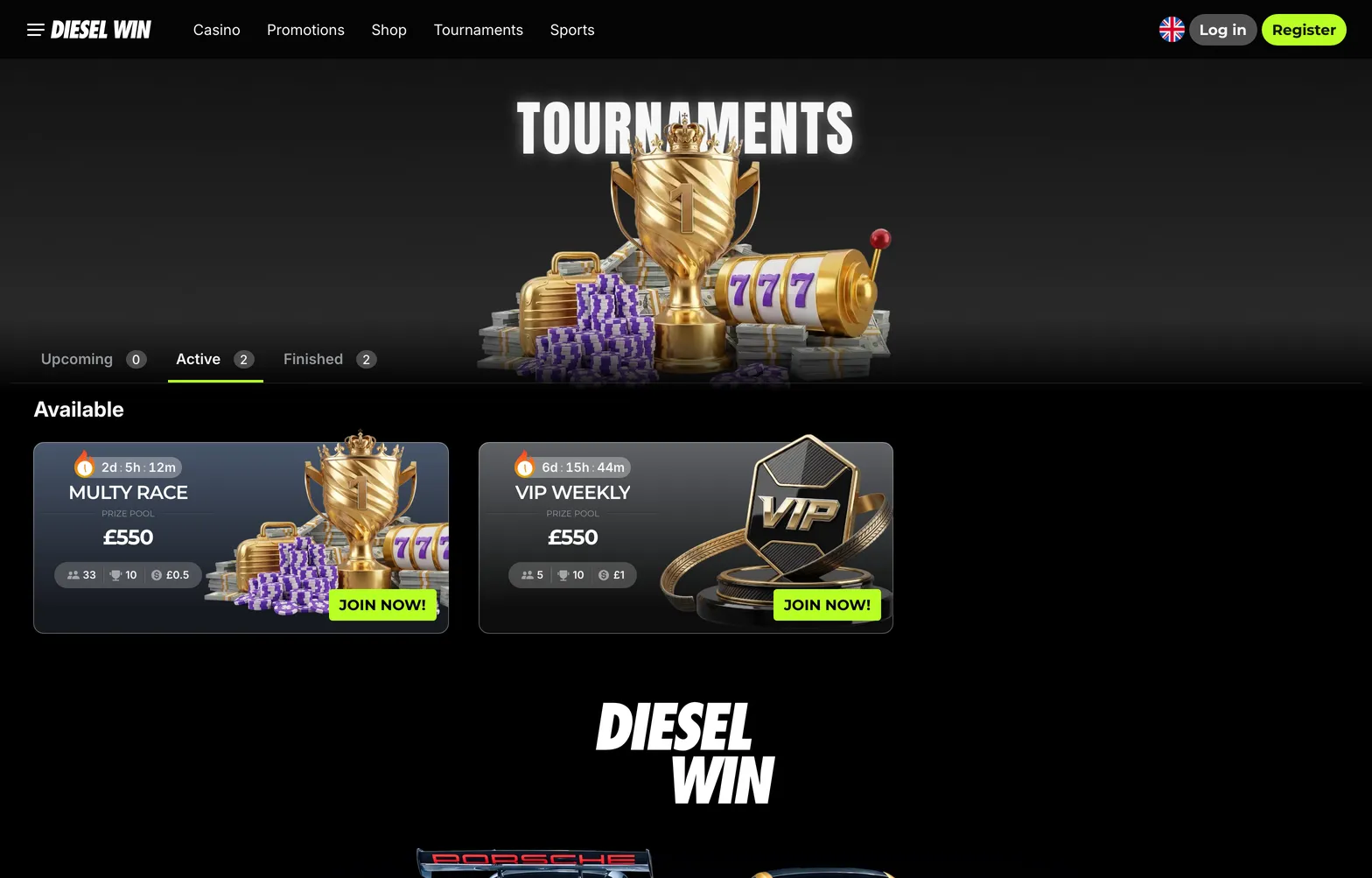
A: If your phone stays silent when a bet settles on the Betby sportsbook or when a tournament like the £550 Multy Race starts, check two places: the app menu and your phone system settings. First, log in and look through the notification options in your account profile. Second, go into your phone settings, tap Notifications, find the app (or Chrome on Android), and switch Allow Notifications to on. Check that you have not accidentally scheduled a Focus mode, Do Not Disturb, or quiet hours on your handset that mute alerts during evening matches.
Q: What should I do when the lobby or cashier page will not load on my phone?
A: A blank lobby or a spinning wheel in the mobile cashier is usually a network handshake issue or a blocked script. Start by swiping down your phone control centre and toggling flight mode on for five seconds, then off again, which forces your handset to grab a fresh 4G or 5G mast. If you are on public Wi-Fi in a cafe or on a train, switch to mobile data, as public networks often block gaming streams and payment gateways. Turn off any active VPN on your phone, because a VPN can stop the cashier from displaying UK payment options like Apple Pay, Monzo, Revolut, or Barclays and Lloyds online banking. On Android or Safari, clear your browser cookies if the login screen loops, then sign back in using your phone keychain autofill with Face ID or fingerprint.
Q: What happens to my money if a slot, crash game, or live table freezes mid-round?
A: Your balance and active bet are safe because every round settles on the game server, not on your handset screen. If your signal drops while the plane is climbing in Aviator, any auto cash out target you set before the round started will still fire at the exact multiplier on the server. If you were mid-spin on Sun of Egypt 3 or Power Train 10000 when the screen froze, simply force-close the game, check your signal, and reopen the same slot; it will either replay the finished spin or show the winnings already added to your balance. In Top Live Casino tables like European Roulette or BlackjackVIP, a disconnected hand plays out under standard house rules, and you can check the exact outcome in your bet history once you reconnect.
Q: How do I reach live chat from my phone if I still need help with my account?
A: Tap the Contact Support button found in the main menu or at the foot of the screen to launch the 24/7 live chat window directly in portrait view. Type a short summary of your issue, for example, a question about the x35 wagering on your Casino Welcome Pack or a card withdrawal up to £2,500 that has been pending for 24 hours, and an agent will usually reply within one to three minutes. Keep the chat tab open in the foreground so your phone does not put the connection to sleep while you wait. If you need to send documents for KYC verification, such as a photo of your passport or ID card and a recent bank statement, you can attach clear, uncropped photos straight from your phone gallery or use the email support form for a reply within 24 hours.