DieselWin app settings
Before you spin a reel or place an in-play accumulator, spend two minutes adjusting how the dieselwin casino app interacts with your phone hardware. A casino app can chew through mobile data, battery life, and screen attention if you leave every default switch turned on. You want the software to run smoothly on 4G, stay quiet when you are at work, and keep your payment methods locked behind your phone security.
Inside your account profile and your handset settings menu, you can control how much storage the cache uses, how live streams behave, and when alerts pop up on your lock screen. Live dealer tables from Lucky Streak, Iconic21, and Betgames stream in high definition by default, which burns roughly 1 GB of data per hour. Dropping the video quality inside the table menu to standard definition cuts that figure to around 300 MB per hour without making the cards hard to read on a six-inch screen.
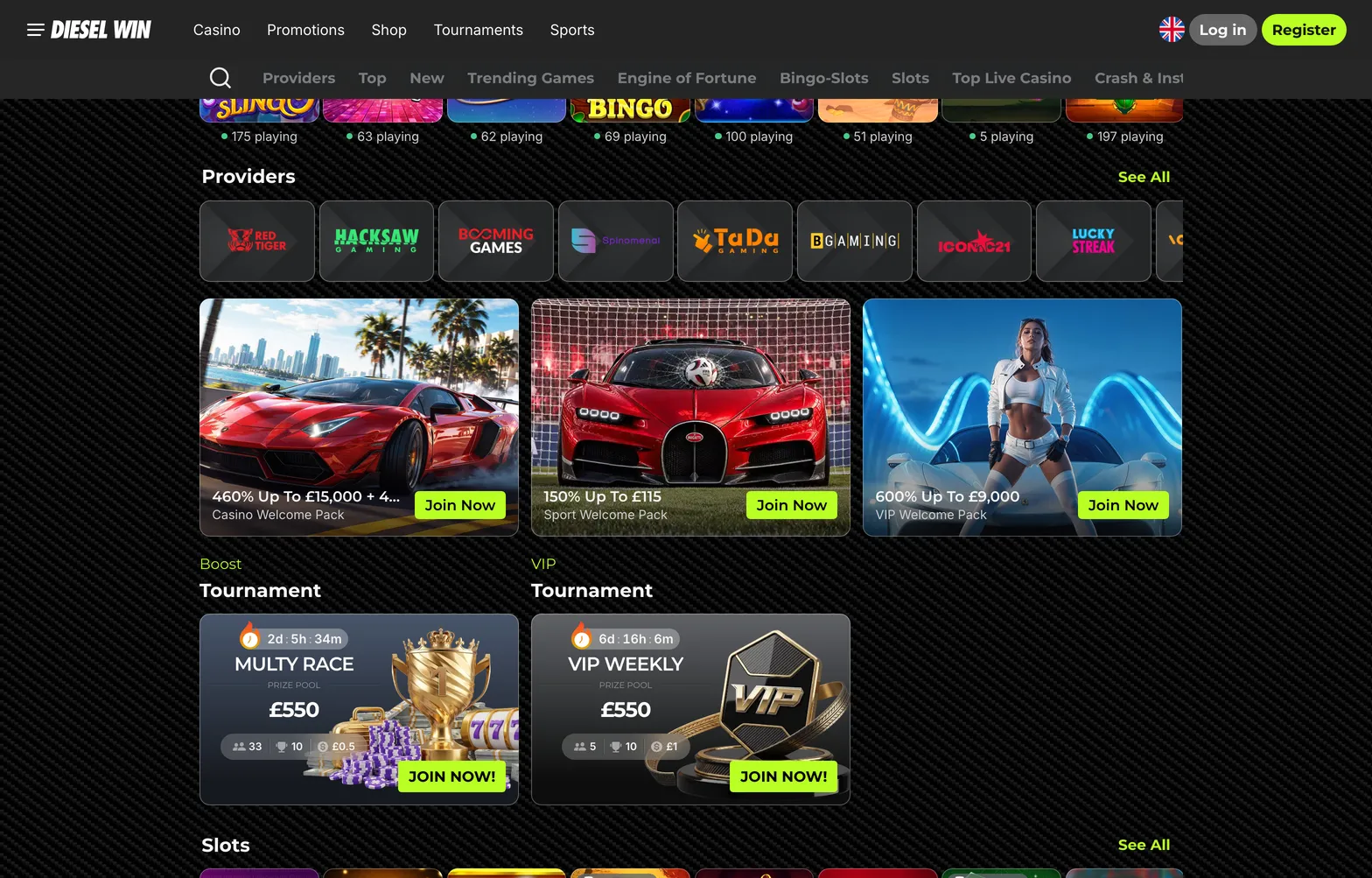
Storage and updates also need a quick check. On iPhone, turn on automatic app updates in your iOS settings so you do not get kicked out of a tournament like the £550 Multy Race when a new version drops. On Android, the home-screen shortcut updates itself every time you open it, though clearing old browser images once a month keeps the lobby scrolling fast. You should also visit the responsible gambling tab in your account profile before your first session to set a daily or weekly deposit cap, so your phone habits stay within budget.
Notifications
When you first launch the dieselwin app on iPhone or add the shortcut on Android, your phone asks if you want to allow notifications. Tap allow if you play sports or chase time-limited drops, then refine those permissions in your handset settings. Alerts can be useful for Betby sportsbook players who want to know when a qualifying bet settles and a 7-day free bet is ready to use.
They also help when you are waiting for a withdrawal to move from pending (which takes up to 24 hours) to paid, or when a VIP Weekly tournament leaderboard shifts. However, constant promo pings for the Premium Shop, Wheel of Gods, or new Hold&Win releases can become annoying late at night.
Open your phone settings, tap Notifications, select the app or browser, and turn off sound and badge icons while leaving lock-screen banners active. Better still, link the app to your phone Focus or Do Not Disturb schedule so alerts are muted between 10 pm and 8 am. If you ever receive a promo code via a notification or newsletter, copy it and tap the ACTIVATE PROMOCODE button on the Promotions page to use it.
Security and Face ID
Mobile security starts with how your phone handles passwords and payments. DieselWin uses a standard email and password login form rather than a built-in biometric scanner inside the casino software itself. To sign in with a glance or a thumbprint, save your login details to your iPhone iCloud Keychain or Google Password Manager the first time you enter them.
Next time you tap the email field on the login screen, your phone prompts you for Face ID or your fingerprint and fills in a complex password automatically. This stops you from typing credentials on a crowded bus or reusing a weak password that is easy to guess.
Face ID and Touch ID also protect your deposits when you fund your account through Apple Pay, just as fingerprint approval locks down Google Pay, Monzo, and Revolut transfers. Never tick the stay logged in box if you share your handset or tablet with family members, as anyone picking up the phone could open the cashier or place a £100 spin. If you ever lose your phone, contact the 24/7 live chat team from another device to freeze the account until your handset is recovered.