
Dieselwin logo
Home home 013 dieselwin 1568x1003

DieselWin Android App: Set Up in Five Screens

Updated: 10 November 2026

DieselWin Android at a glance

Setting up the dieselwin android app takes under a minute right from your mobile browser. While the dedicated store download is built only for iPhone users, Android players get the exact same layout by pinning the mobile site to their home screen. It behaves like a progressive web app (PWA), opening in full screen without a browser bar.

FeatureAndroid SetupWhat to Expect
InstallationChrome Add to Home screenWorks like a native PWA shortcut
APK filesNo dieselwin apk existsIgnore third-party APK download sites
Storage spaceAlmost none, it is a shortcutUses browser cache, saves phone memory
Bottom menuCasino, Promotions, Join Now, Search, SportsIdentical to the iOS layout
PaymentsGoogle Pay (£20–£800), cards, Monzo, Revolut, cryptoInstant deposits from £20, no fee
Support24/7 live chatTap Contact Support for 1–3 minute replies

Do not look for a dieselwin app download android file on random web forums. There is no APK file to download, and installing unknown packages puts your banking details at risk. Because the platform runs through your mobile browser engine, updates happen automatically every time you tap the icon. You never have to approve patches by hand or clear gigabytes of space for thousands of games.

Once the shortcut sits on your phone, you get one-thumb access to the entire lobby and the Betby sportsbook. You can launch Hold&Win slots like Buffalo Claws Expanded or Sun of Egypt 3 in portrait mode, place an in-play football bet, or fund your account with Google Pay, Monzo, or Revolut starting from £20. Note that the 20 free spins install bonus is exclusive to the iOS store version, so Android users jump straight to the standard welcome packs at sign-up, such as the 460% up to £15,000 + 460 free spins casino offer (usually split across four deposits with x35 bonus wagering). Terms can change, so glance at the promotion before you opt in.
Home home 014 dieselwin 1568x1003

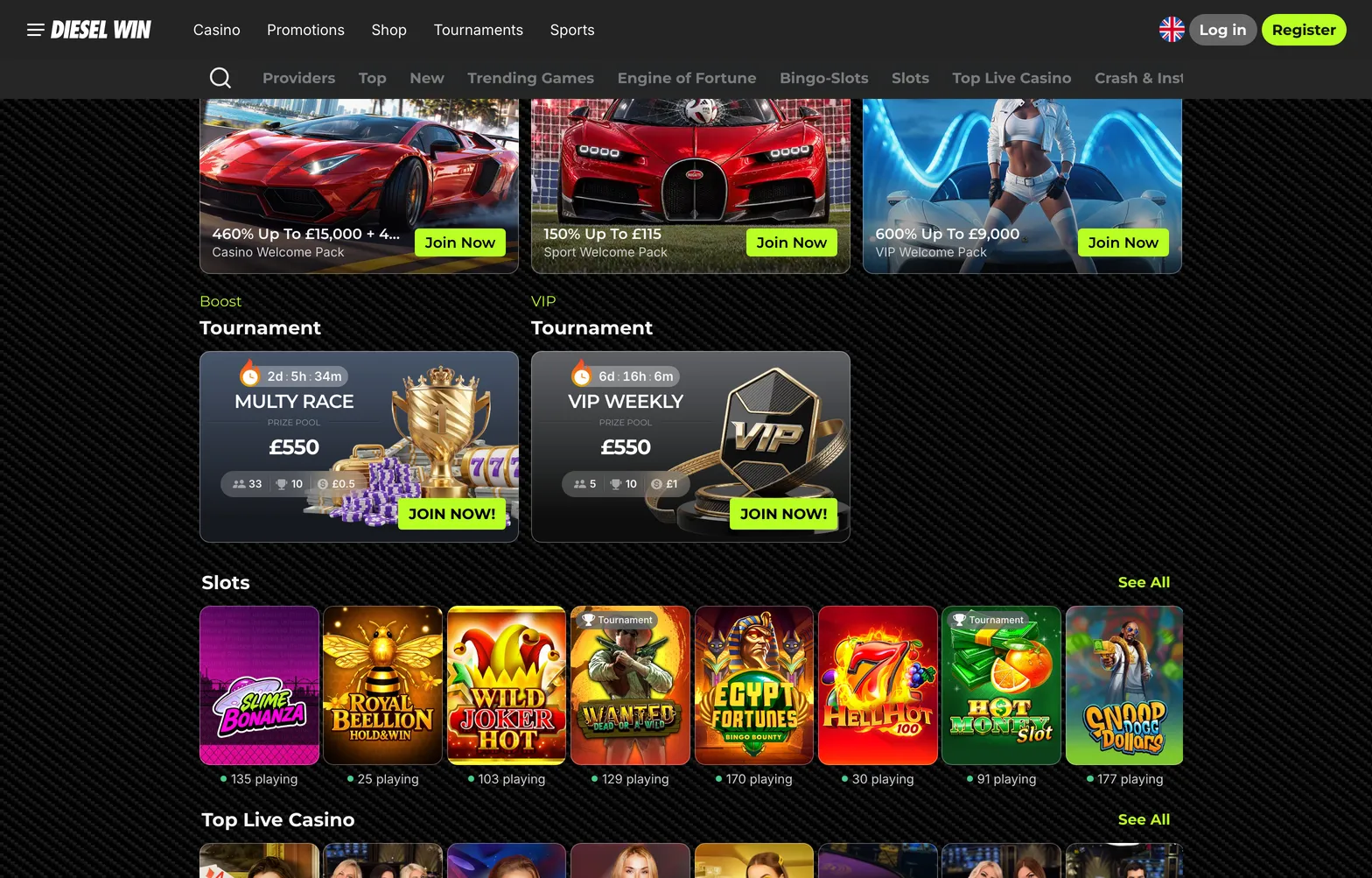
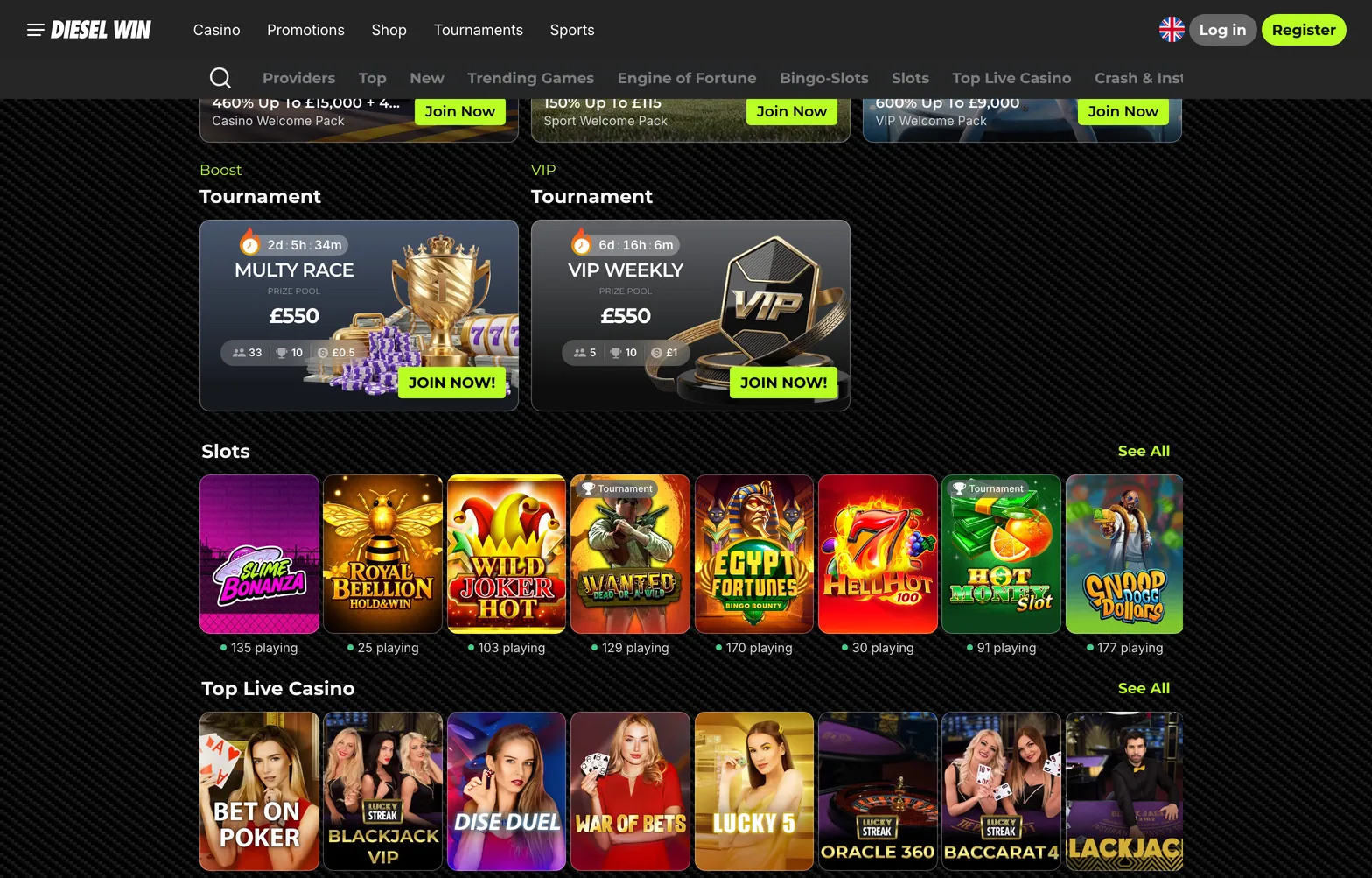
On Android the DieselWin mobile site does the app’s job. Pin it to the home screen and it opens full screen, without the browser bar.

DieselWin Android screen path

Putting the dieselwin android app shortcut on your Samsung, Pixel, or Xiaomi phone requires five quick taps in Google Chrome. If you ever switch handsets or use a tablet, you can check how the DieselWin iphone app compares on Apple devices.

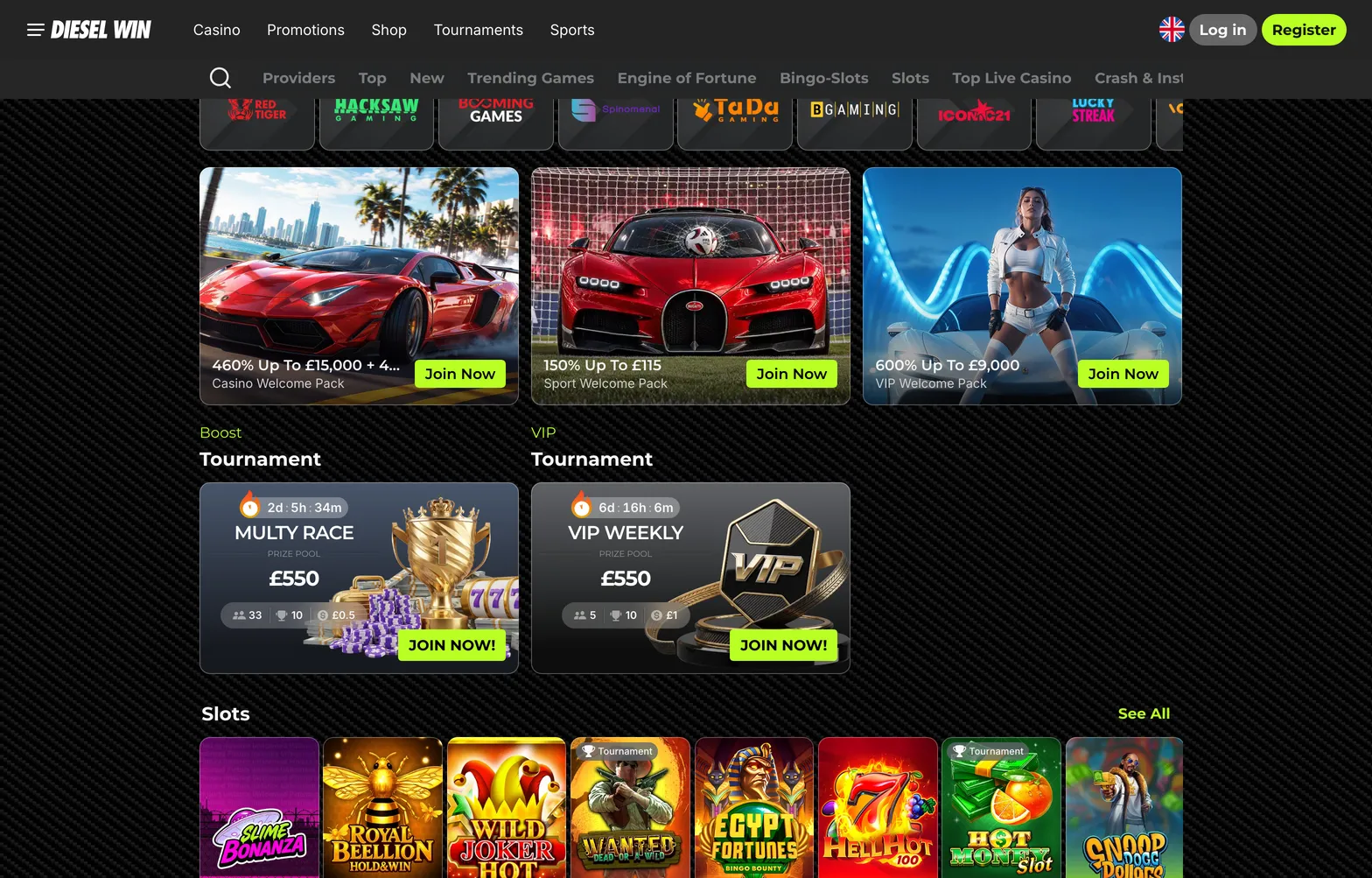
  1. Screen 1 → Open Google Chrome on your Android phone and load the DieselWin mobile site. You will see the main lobby featuring game categories like Top, Trending Games, and Crash & Instant, plus the fixed bottom bar showing Casino, Promotions, Join Now, Search, and Sports. If the page hangs on a white screen, switch from Wi-Fi to 4G or 5G to bypass local router blocks. Wait two seconds for the banners to settle before tapping anything.
  2. Screen 2 → Tap the three vertical dots in the top-right corner of your Chrome browser bar. A drop-down menu will slide over the right side of the casino header. Do not tap the menu icon inside the casino interface itself, as that only opens sections like Shop, Tournaments, and VIP. Look halfway down the browser list until you spot the phone icon next to Add to Home screen or Install app.
  3. Screen 3 → Tap Add to Home screen from that Chrome list. A small white pop-up box appears in the centre of your screen displaying the brand icon and a text field. Tap inside the text field if you want to shorten the label to just DieselWin so it fits neatly under the icon on your grid. If Chrome only shows Bookmarks instead of the install prompt, update your Chrome browser in the Google Play Store and try again.
  4. Screen 4 → Tap the Add button on the pop-up, then tap Add Automatically when your Android launcher asks for confirmation. Your phone will minimise the browser or flash a brief message at the bottom saying the shortcut is on your home screen. Swipe back to your main phone desktop and find the new icon. Drag it down to your main thumb zone so you can reach it with one hand.
  5. Screen 5 → Tap your new home screen icon to launch the site in full-screen PWA mode without the top URL bar. Tap Join Now at the bottom to register with your email, password, and welcome pack choice (Casino, Crypto, Sport, or VIP), or tap Log in at the top right. When the browser asks to save your password to Google Password Manager, confirm it so you can sign in next time using your Android fingerprint sensor. Once inside, tap Deposit to load £20–£800 via Google Pay or £20–£2,000 via Monzo, Revolut, or a debit card.

Sometimes a mobile browser caches old data and a slot like Wanted Dead or a Wild or Aviator refuses to load past the spinning wheel. Do not delete the home screen icon if a screen freezes. Instead, hold your finger down on the DieselWin shortcut icon for two seconds, tap the small info circle that pops up, go to Storage and cache, and tap Clear cache. This wipes temporary glitches without erasing your saved fingerprint login.

If the Betby sportsbook odds stop refreshing during a live football or darts match, check whether Chrome Data Saver or your Android Battery Saver is active. Battery Saver throttles background scripts, which delays live bet slip updates and can cause you to miss a cash out window. Turn off battery restrictions for Chrome during your session, and tap the Contact Support button for 24/7 live chat if a game round ever gets stuck.

Home home 015 dieselwin 1568x1003

Five screens in Chrome and the shortcut sits next to your other apps. If a page will not load, clear the cache or switch between Wi-Fi and 4G.

DieselWin Android FAQ

  • Where do I find a DieselWin APK file for my Android phone?

    Do not download any DieselWin APK files from third-party websites because no standalone Android application exists. Instead, open the mobile site in Chrome and tap the menu icon to add the shortcut directly to your home screen. This browser shortcut gives you instant access to all slots, live tables, and the Betby sportsbook without taking up storage space.

  • Can I claim the 20 free spins install bonus on Android?

    The 20 free spins install bonus applies only to the iOS application and cannot be claimed via the Android home screen shortcut. Android users can still choose the Casino Welcome Pack at registration for up to £15,000 and 460 free spins across four deposits from £20. You can also collect rewards through the Wheel of Gods, Premium Cases, and the Premium Shop.

  • How do I deposit with Google Pay on the DieselWin Android version?

    Open the cashier from your Android home screen shortcut and select Google Pay to fund your balance instantly with no fee. You can deposit between £20 and £800 per transaction using Google Pay, or up to £2,000 via Monzo, Revolut, bank cards, and online banking with Barclays or Lloyds. Cryptocurrency deposits are also available from £20 up to £10,000.

  • How much mobile data do live casino streams use on Android?

    Playing live roulette, blackjack, or baccarat from Lucky Streak and Iconic21 uses around 300 MB of data per hour in standard definition. Switching the video stream to high definition consumes roughly 1 GB per hour on your Android phone. Connect to Wi-Fi during longer sessions to save your mobile data allowance and keep the stream stable.