
Dieselwin logo
Home home 018 dieselwin 1568x1003

DieselWin iPhone App: From App Store to Face ID

Updated: 10 November 2026

DieselWin iPhone at a glance

British players who gamble exclusively on their phone get the fastest setup with the dieselwin iphone app. While Android users rely on a browser shortcut added to their home screen, iPhone owners can download the dedicated dieselwin ios app straight to their device and claim an installation reward in the process. Everything from the Betby sportsbook to the thousands of games in the casino lobby fits into a single portrait interface with a fixed bottom menu.

FeatureiPhone DetailsNotes for UK Players
Install routeDieselWin site Install & Get Bonus button or dieselwin app store listingFree download for players aged 18+
Install bonus20 free spins (£0.10 per spin)Wagering x40, valid for 7 days on popular slots
Storage spaceLightweight footprint, plus cached game assetsKeep some free space for smooth updates
iOS versionRequires a recent iOS versionThe App Store page lists the minimum system requirement
Apple Pay£20 to £800 per transactionInstant deposits with no fee, confirmed via Apple Wallet
Face IDPhone-level security for passwords and paymentsUses iCloud Keychain for sign-in and Wallet for deposits

Getting the dieselwin ios app onto your handset opens the Install & Get Bonus promotion, which normally gives you 20 free spins worth £0.10 each on popular Hold&Win slots like Buffalo Claws Expanded, Sun of Egypt 3, or Power Train 10000. Winnings from those spins carry a x40 wagering requirement and a £5 maximum bet cap while the bonus is active, though terms can change, so glance at the promotion before you opt in. Alongside those spins, new accounts can still pick one of the four main welcome packages during registration, such as the 460% Casino Welcome Pack up to £15,000 plus 460 free spins, or the 150% Sport Welcome Pack up to £115 in free bets.

Day-to-day performance on an iPhone relies heavily on native Apple hardware features rather than complicated casino menus. You do not get a separate biometric toggle inside the casino settings; instead, your iPhone handles security by autofilling your saved credentials through iCloud Keychain with a quick Face ID scan. The same goes for banking in the cashier. Apple Pay sits right at the top of the deposit list for £20 to £800 top-ups, alongside Monzo, Revolut, debit cards, Barclays and Lloyds online banking (£20 to £2,000), and cryptocurrencies (£20 to £10,000). PayPal and Trustly are not in the cashier, and although Skrill appears as a logo in the site footer, you should check the cashier screen to see if it is active for your account.

Storage and battery demands stay reasonable even on older handsets, provided you keep your iOS version fairly current. The base download takes up minimal room, though opening graphical slots from Hacksaw Gaming or streaming HD tables from Lucky Streak (which uses about 1 GB of data per hour) will temporarily cache files on your phone. If you ever run into a frozen reel on Le Bandit or a slow-loading Betby football market, a quick swipe up to close and relaunch the app usually clears the memory right away.
Home home 019 dieselwin 1568x1003

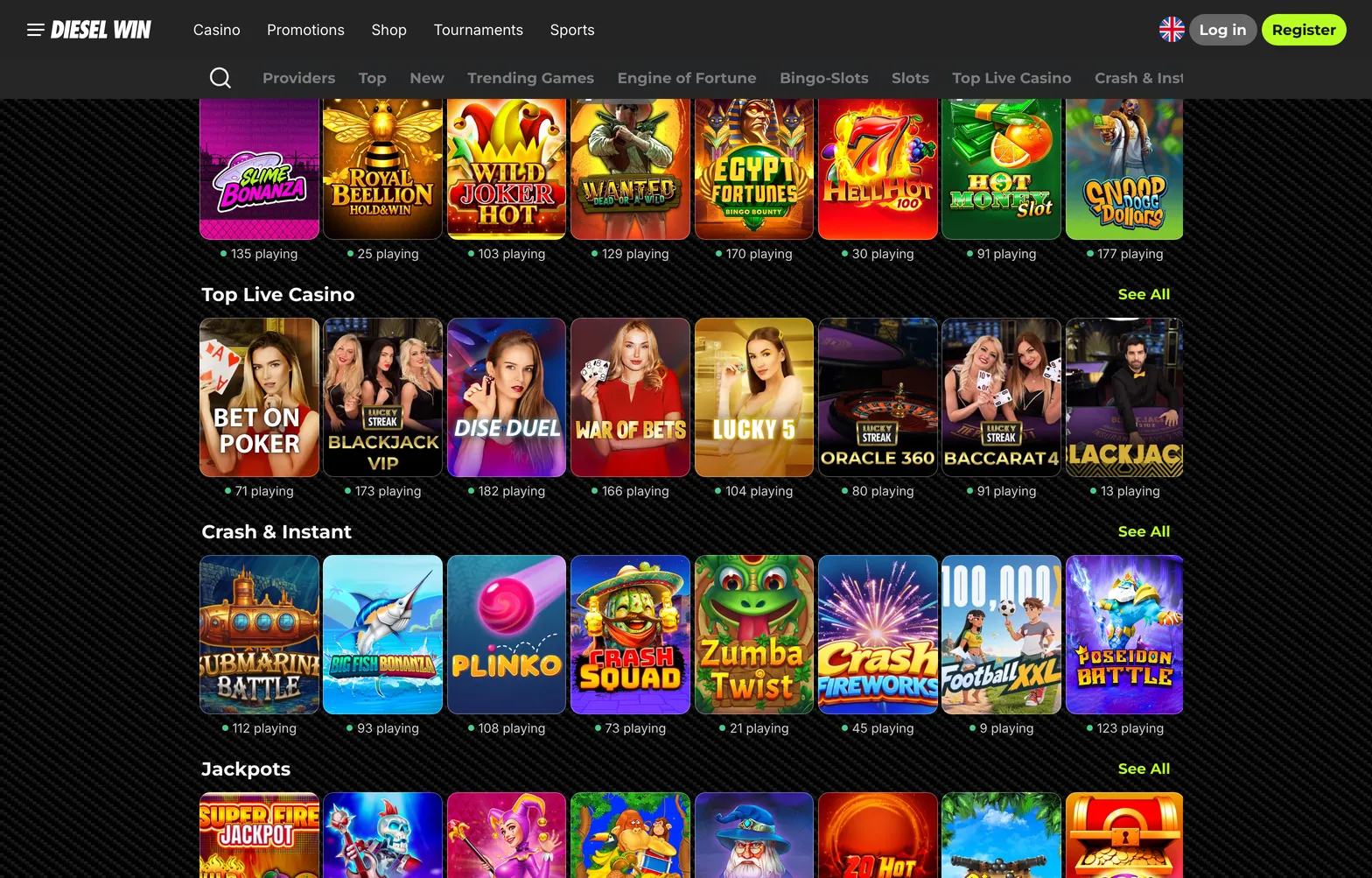
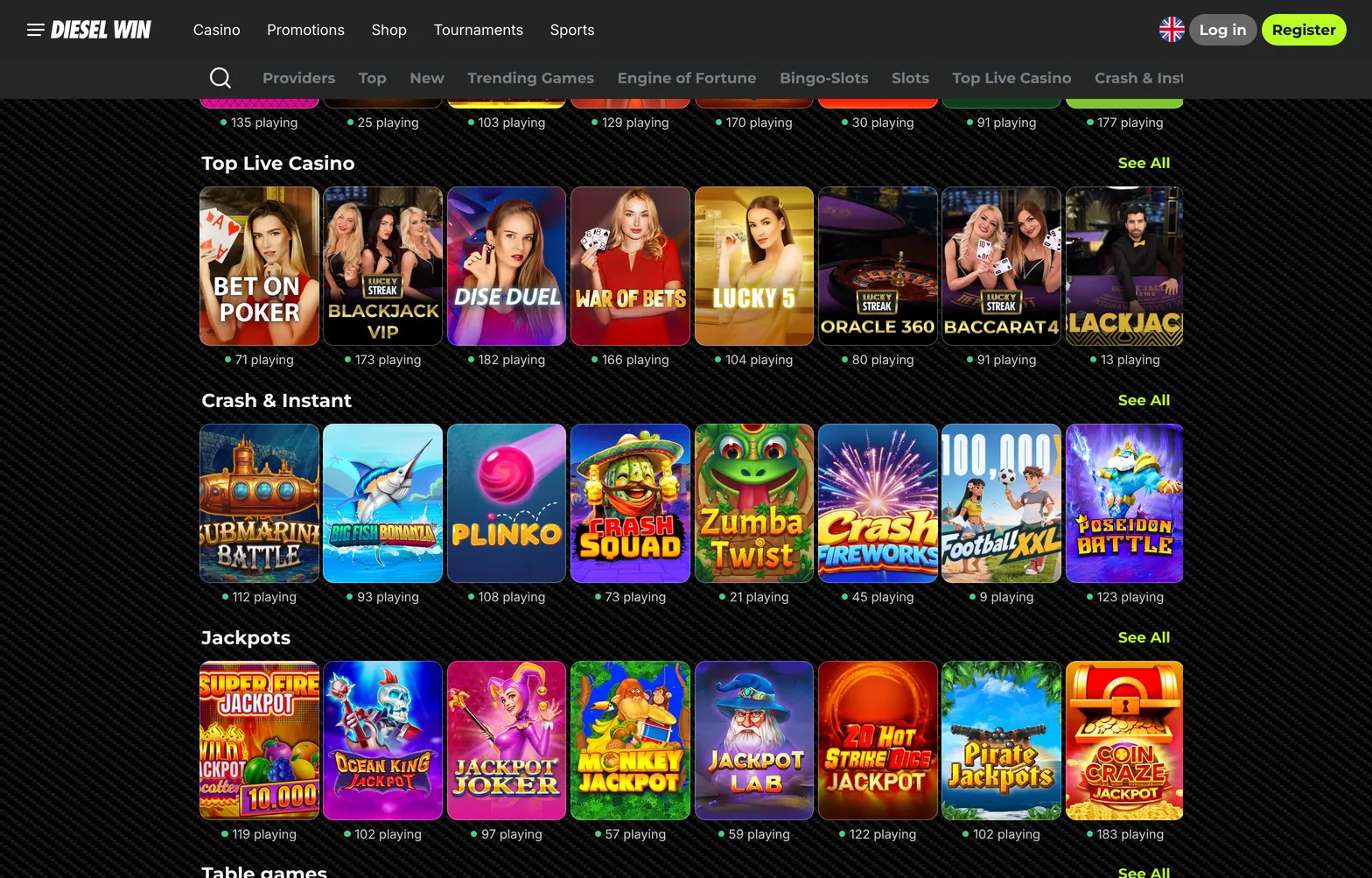
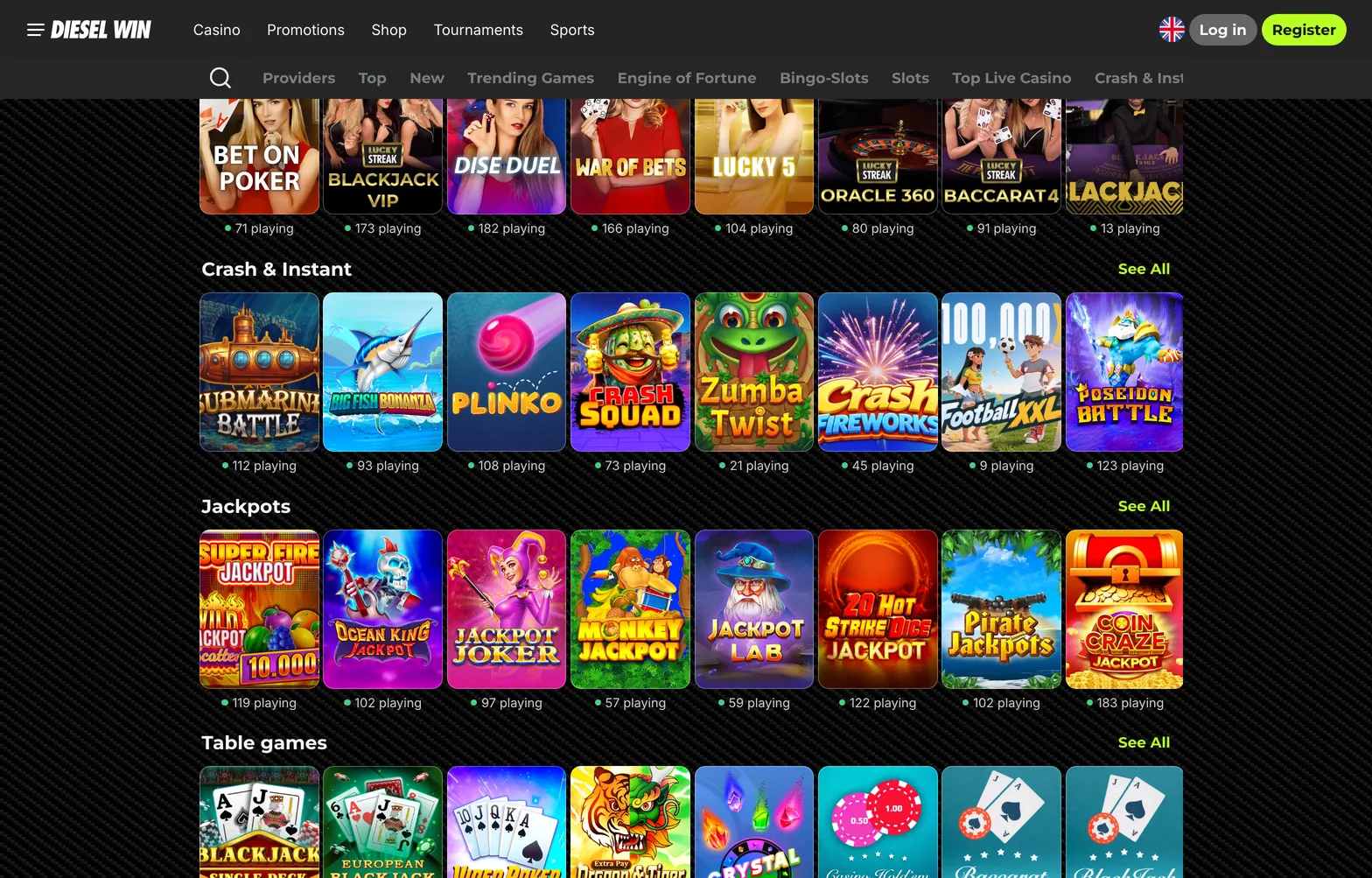
The iPhone app opens straight onto the lobby, with Casino, Promotions, Join Now, Search and Sports in the bottom menu.

DieselWin iPhone screen path

Setting up the dieselwin iphone app from scratch takes about two minutes if your Apple ID and Wallet are already configured on your handset. Follow this six-screen chain from the initial download to your first instant Apple Pay deposit.

  1. Screen 1 → Open Safari on your iPhone and load the DieselWin mobile site, or head directly to the dieselwin app store page. On the mobile site banner, you will see the prominent Install & Get Bonus prompt sitting above the main game categories. Tap that button to jump straight to the download listing without typing anything into a search bar. If the link hesitates on mobile data, check that Safari has not blocked pop-up redirects in your phone settings.
  2. Screen 2 → You are now looking at the application page with the blue Get button, the age rating (18+), and the compatibility box showing the minimum iOS version required. Tap Get, then double-click the side button on your iPhone and look at the screen so Face ID confirms the download. A circular progress bar replaces the button while the file installs. Make sure you have some free storage so the installation does not stall halfway through.
  3. Screen 3 → Tap Open, or tap the new icon on your iPhone home screen, to launch the lobby in portrait mode. An iOS system dialogue pops up asking if you want to allow notifications from the app. Choose Allow or Don’t Allow depending on whether you want lock-screen pings, then glance at the bottom navigation bar showing Casino, Promotions, Join Now, Search, and Sports. Existing players can skip straight to the DieselWin login button at the top of the screen instead of registering again.
  4. Screen 4 → Tap Join Now in the centre of the bottom menu to bring up the single-screen registration form. You see fields for your email address and a new password, a tick box to accept the Terms of Service, and four cards to select your welcome offer: Casino, Crypto, Sport, or VIP. Tap your preferred package, enter your details, and hit the confirm button to create your profile. When your iPhone asks if you want to save the password to iCloud Keychain, tap Save Password so you can sign in with a Face ID glance next time.
  5. Screen 5 → Tap Promotions on the bottom bar to locate your Install & Get Bonus reward for downloading the iOS software. You will see the app installation card alongside other promos like Wheel of Gods, WinStreak, and the ACTIVATE PROMOCODE button. Tap Claim on the install bonus banner to credit the 20 free spins (£0.10 value, x40 wagering) to your bonus balance. Open the eligible slot named on the card, usually a Hold&Win title like Sun of Egypt 3, before your 7-day expiry window runs out.
  6. Screen 6 → Tap the Deposit button at the top right of the screen to open the mobile cashier and select Apple Pay from the payment list. Type an amount between £20 and £800, tap Confirm, and wait half a second for the native Apple Wallet sheet to slide up from the bottom. Double-click your iPhone side button, let Face ID verify your face, and watch the funds land in your GBP balance instantly with zero fees. Keep in mind that when you eventually cash out (minimum £50), withdrawals go back via Visa or Mastercard up to £2,500 in 1 to 3 working days, or via bank transfer up to £4,000 in 2 to 5 working days.
Home home 020 dieselwin 1568x1003

After install, the first login and an Apple Pay deposit of £20 or more take a couple of minutes. The install bonus is 20 free spins with x40 wagering.

DieselWin iPhone FAQ

  • What is the install bonus on the DieselWin iPhone app?

    Tap the Install & Get Bonus button on your phone to claim 20 free spins after setting up the iOS software. Any winnings from these spins carry a x40 wagering requirement and stay valid for 7 days. Keep your stakes at or below the £5 maximum bet while clearing the rollover.

  • Can I use Apple Pay to deposit on the DieselWin iOS app?

    Yes, UK players can fund their balance instantly using Apple Pay from £20 up to £800 with no casino fee. You can also deposit £20 to £2,000 via Monzo, Revolut, debit cards, or online banking with Barclays and Lloyds. Crypto deposits range from £20 to £10,000 across coins like BTC, ETH, and USDT.

  • How much mobile data do live tables use on an iPhone?

    Streaming live roulette, blackjack, or baccarat from studios like Lucky Streak and Iconic21 uses around 300 MB per hour on standard definition. Switching the video quality to high definition takes roughly 1 GB of data per hour. Connect to Wi-Fi before joining High Roller or International Tables to save your mobile allowance.

  • How do I verify my account on my iPhone before withdrawing?

    Upload a photo of your passport or ID card along with a proof of address dated within the last 3 months in the account menu. The team may also ask for a quick selfie and reviews documents within 24 to 72 hours before your first £50 minimum withdrawal. If you need help during the check, tap Contact Support to reach 24/7 live chat for a reply in 1 to 3 minutes.